Account & dashboard
The dashboard
A tour of app.realframe.io.
Your account lives at app.realframe.io: your computers, what they have been doing, who else can use them, and what it costs.
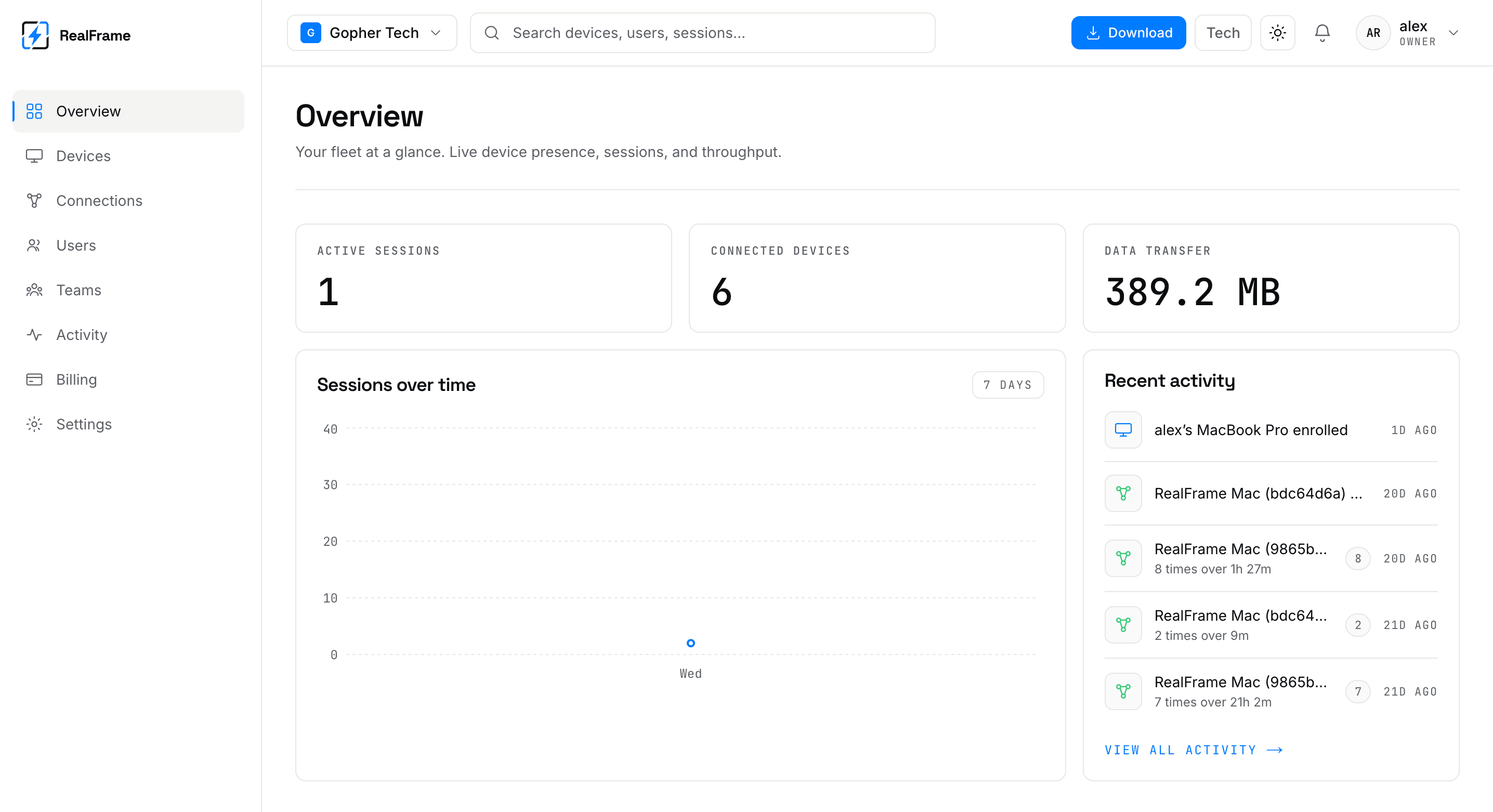
Where to look
| Page | Answers |
|---|---|
| Devices | Which computers are mine, and are they online? |
| Connections | Who connected to what, when, and how fast? |
| Activity | What happened, newest first? |
| Users and teams | Who else has access? |
| Billing | What plan am I on? |
| Settings | Org details, my role, service status. |
The bar at the top
- Org switcher, when you belong to more than one.
- Search across computers, people and sessions.
- Download, which gives you the right build.
- Plan chip, your tier at a glance.
- Light and dark toggle.
- Connected / offline, bottom left. That is about the dashboard itself, not your computers.
What the dashboard cannot do
It does not carry your session. Video and mouse go straight between your two computers. Pressing Connect here opens the app on the computer you are sitting at.