Users and teams
Invite people, give them a role, group computers.
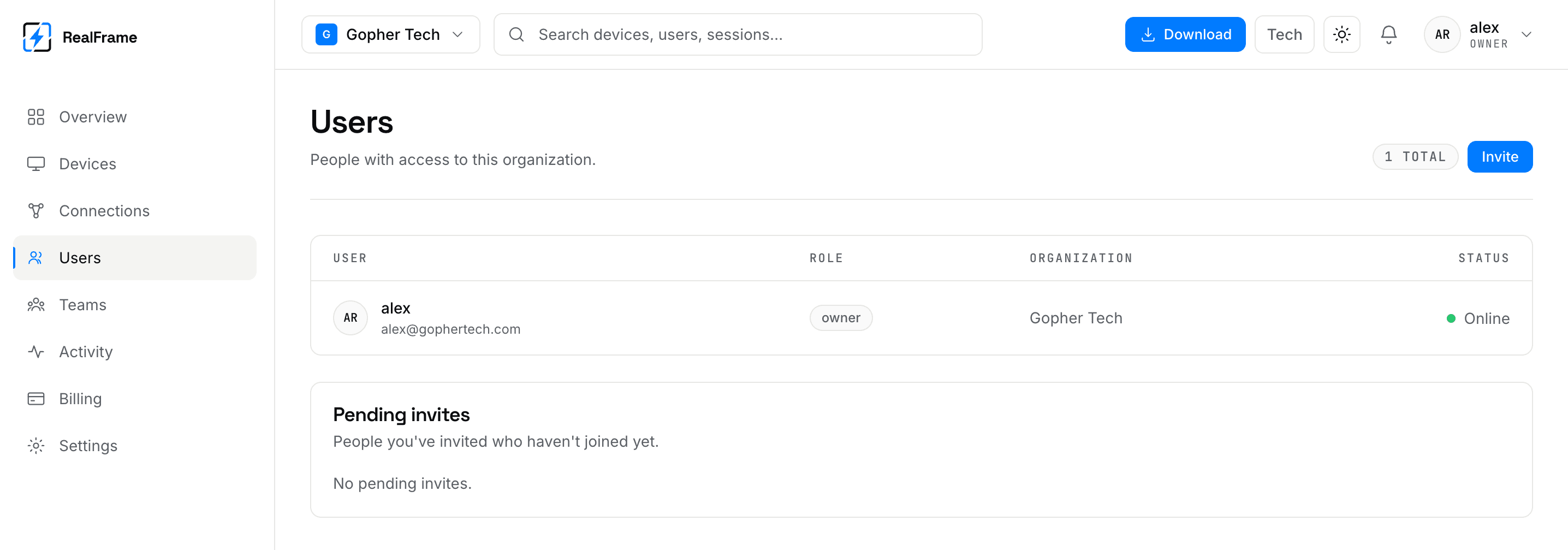
An account can be one person or a company. Users are the people. Teams group computers and people so access is managed in one place.
Roles
| Role | Can |
|---|---|
| Owner | Everything, including billing and closing the account. |
| Admin | Manage computers, teams and people. Not billing. |
| Member | Use the computers they were given. |
Give people the smallest role that works.
Invite someone
Send it
Invite by email from the Users page and pick their role.
They accept
The email has a link. It makes their account, or joins their existing one.
Give them computers
Being in the org is not the same as having access. Put them in a team.
An invite that has not been accepted shows as pending and can be cancelled.
Teams
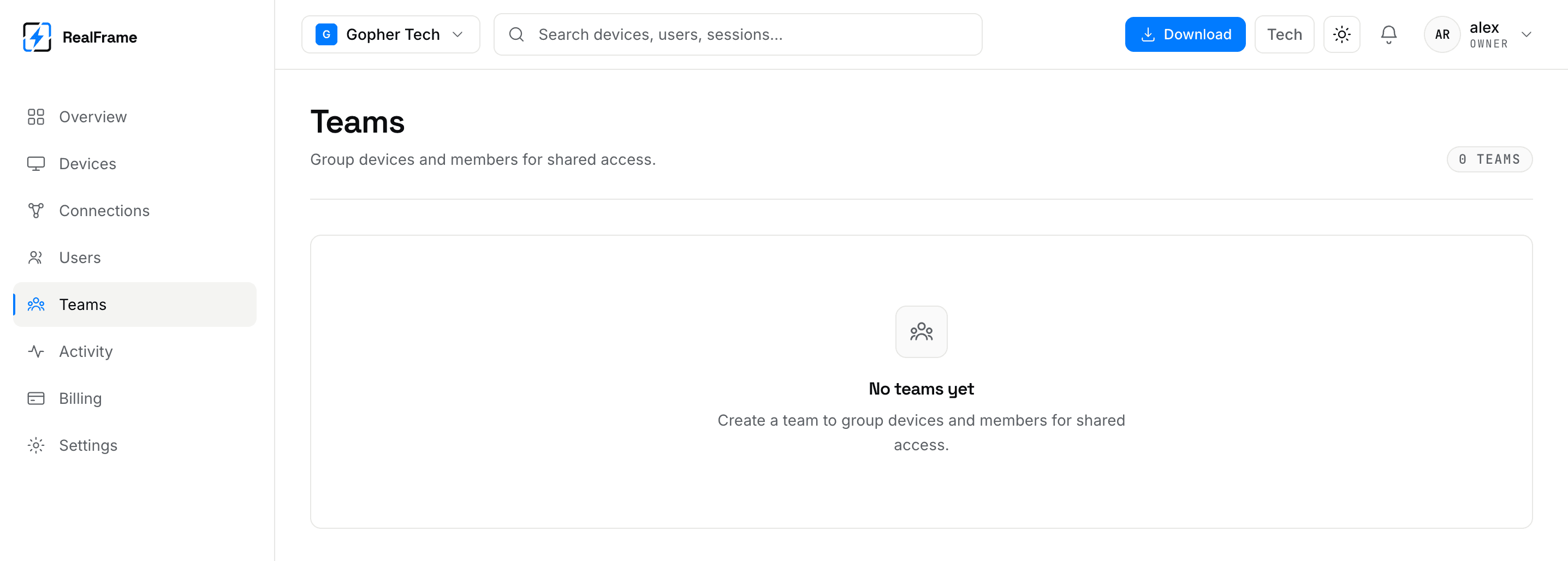
Someone joining the support team gets everything that team can reach. Removing them takes it all away at once.
Groupings that work:
- By place:
london-office,berlin-studio. - By job:
render-farm,support-endpoints. - By customer, for managed support.
One team per computer is just the computer list again.
Removing someone
Remove them from the org. Access ends everywhere at once.
That removes their access, not the computers they added. Those stay on your account. Check Devices after anyone leaves.
Team plans price by person, not by computer
Team pricing counts technicians working at the same time. Adding computers to a team costs nothing. See plans.