Account settings
Org details, your role, and service status.
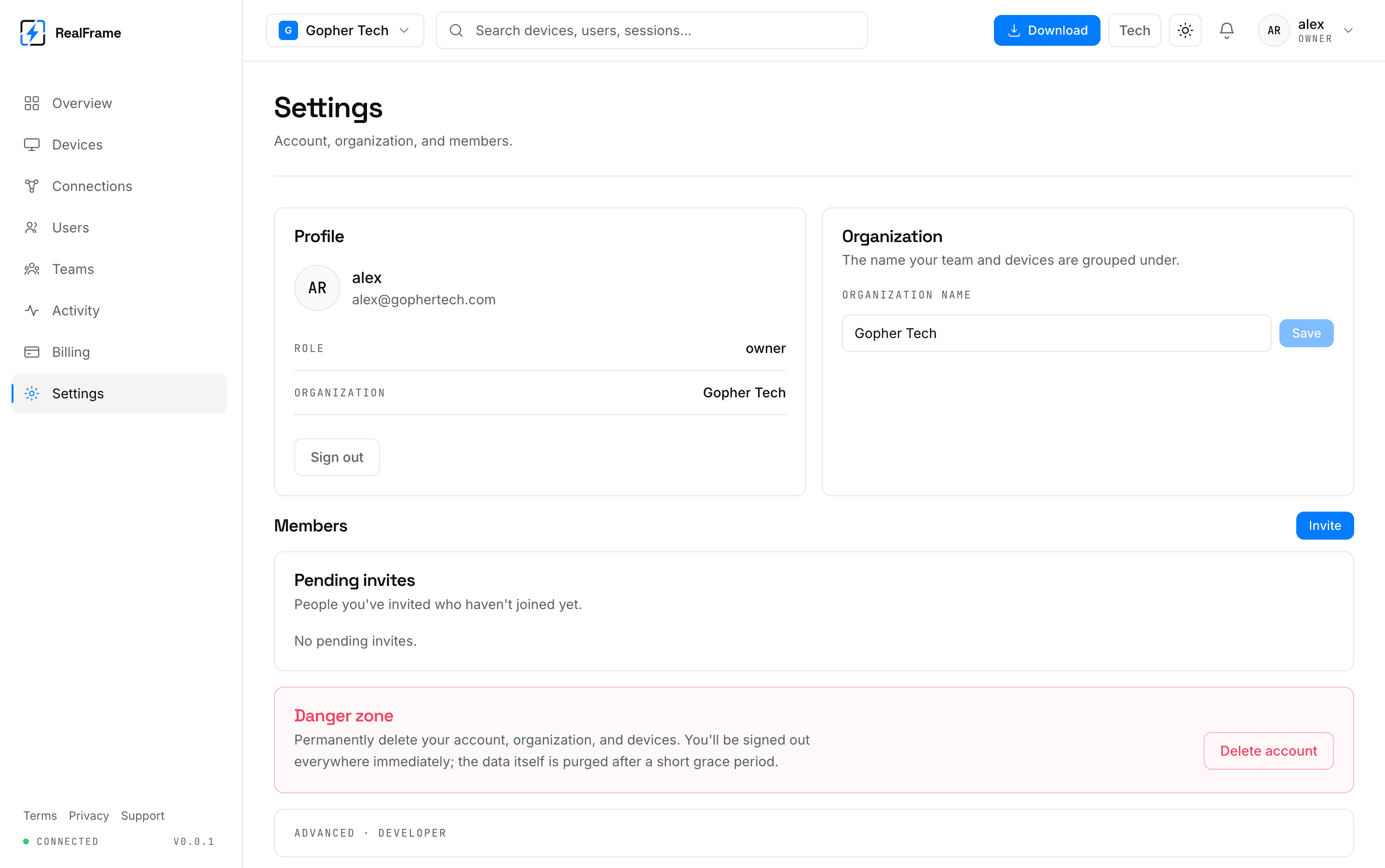
Organisation
The name shows in the switcher at the top and in invites you send. Renaming changes nothing else.
Your role is shown here too. That is the quickest way to find out why a button is missing for you. See users and teams.
Service status
The lower part shows what the dashboard is talking to, whether it is reachable, and version numbers.
This is about the service, not your computers. A computer can be offline while all of this is green.
If you self-host, this is where you check the apps point at your own setup.
Your account
Password changes and closing the account live here.
Closing is permanent: computers are unlinked, history is deleted, teams go. If you only want to stop paying, cancel on Billing instead. That drops you to Free and keeps the account.
Signed in somewhere you do not trust?
Changing your password does not sign computers out. Remove the device in Devices first, then change the password.