Install & set up
Install RealFrame
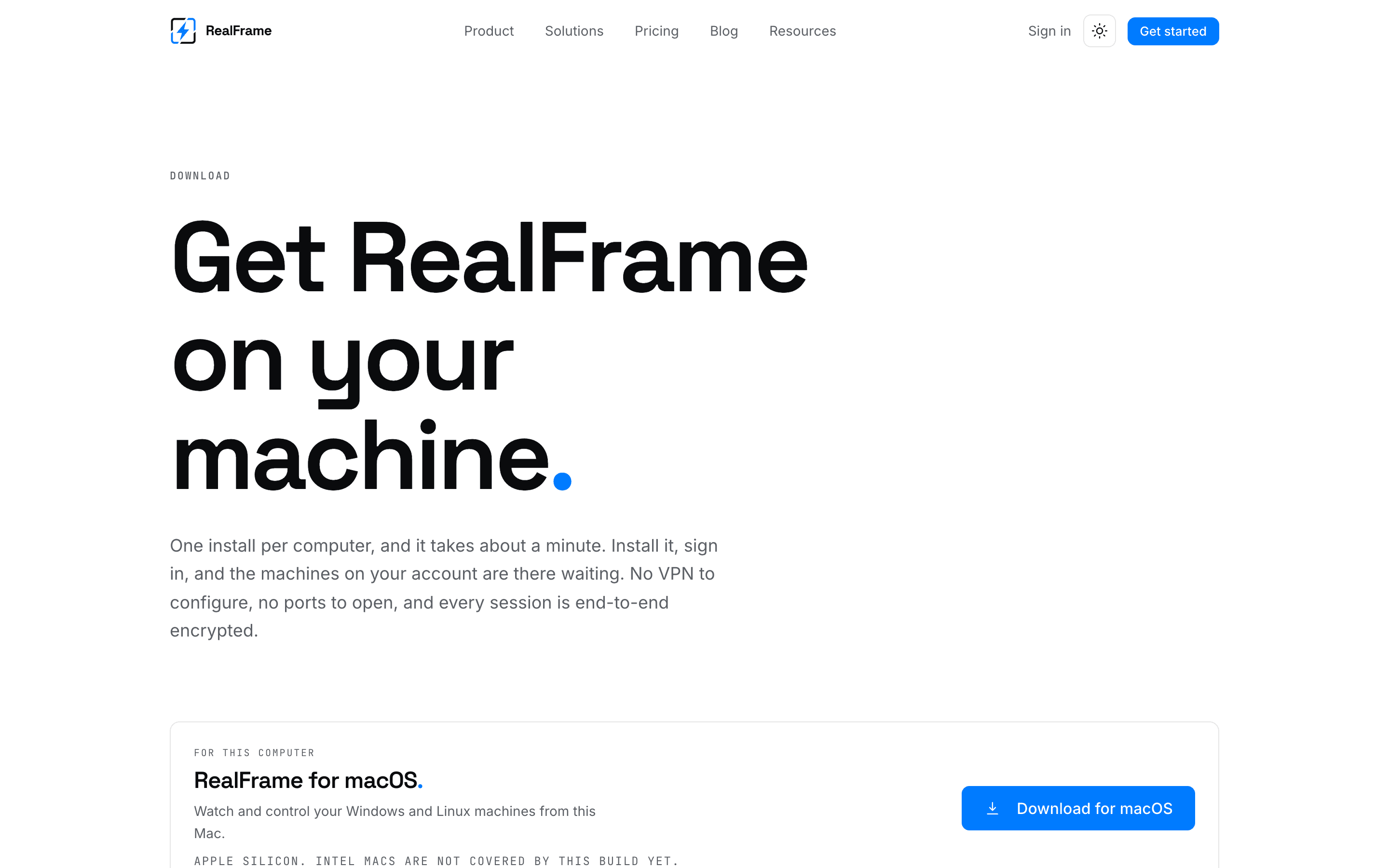
One download per computer. It does both jobs.
There is no separate host download. The same app lets you reach other computers, and lets this one be reached once you turn sharing on.
Pick your system
| System | You get | Connect from it | Share it |
|---|---|---|---|
| Windows 10 / 11 | An installer | Yes | Yes |
| Debian / Ubuntu | A .deb file | Yes | Yes |
| macOS, Apple silicon | A .dmg file | Yes | Yes |
| iPhone, Android | Test builds | Beta | No |
Download links always point at the newest build. No version to keep track of.
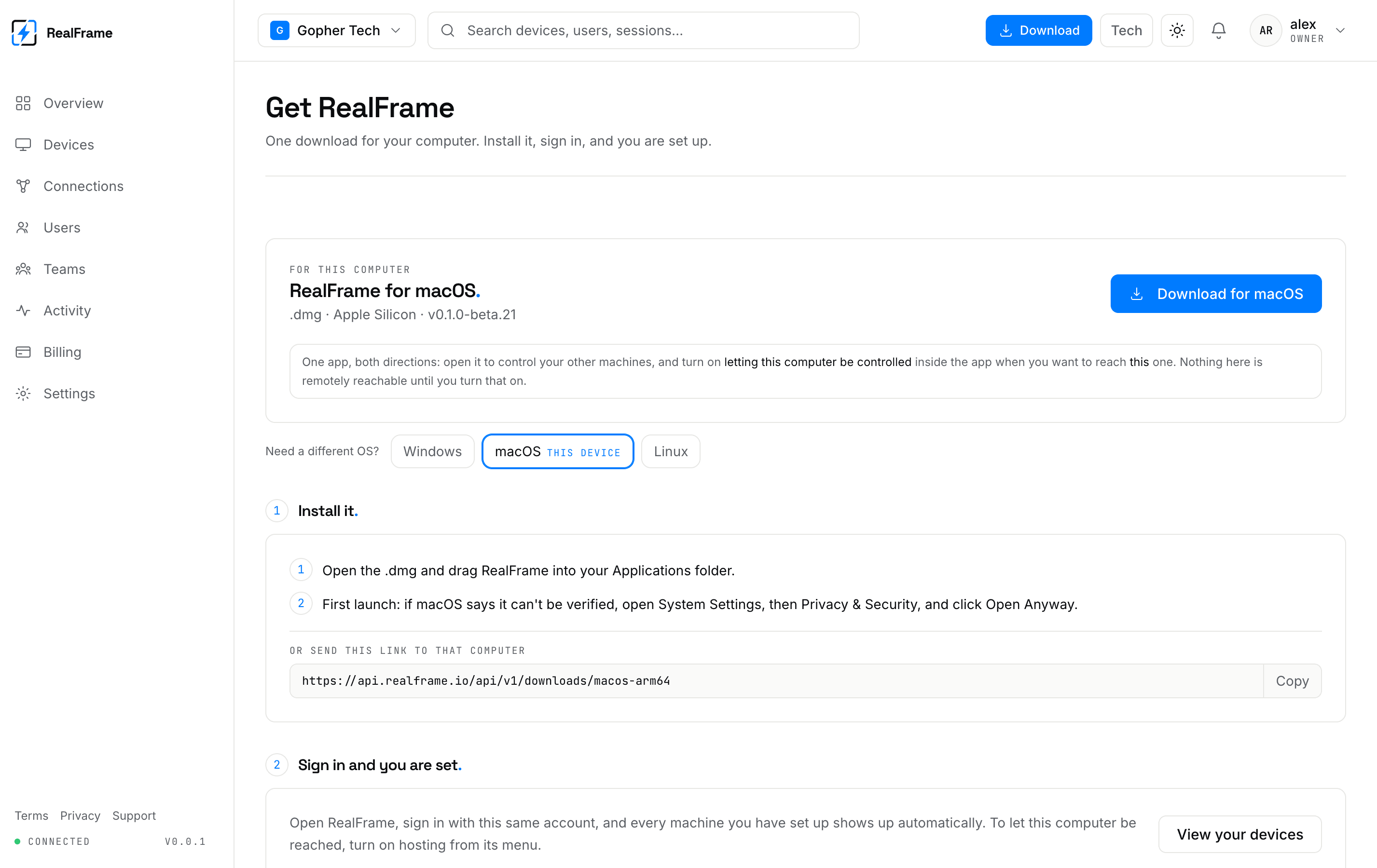
You can also grab builds from inside the dashboard.
Before you start
You need an account on both computers. Make one at app.realframe.io.
You do not need:
- A VPN.
- Open ports or router changes.
- A fixed IP address.
- Admin rights on the computer you sit at.
The whole setup
Install on the computer you want to reach
Sign in, then turn sharing on.
Install on the computer you sit at
Sign in with the same account. Your computers show up.
Connect
Pick it from the list. Signing in to the same account is what lets the two find each other. See how devices trust each other.
What counts against your plan
Only computers you share use a slot. Apps you connect from are free. Free covers 2 shared computers. See plans.