Quick start
Your first session in about five minutes.
You need two computers. One to reach later (the host), one you sit at now (the client).
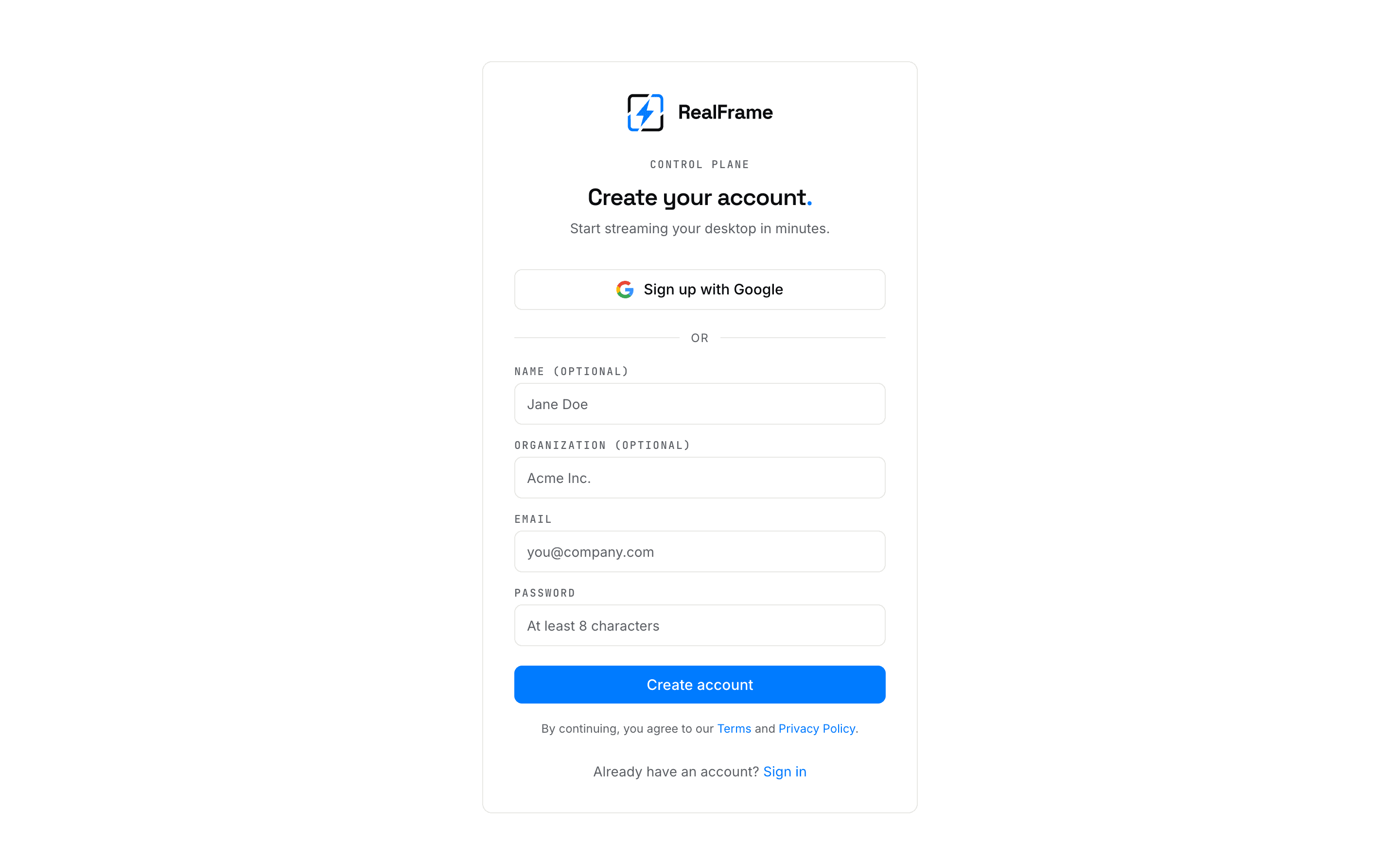
Make an account
Sign up at app.realframe.io. Confirm the email.
Install on the computer you want to reach
Get it from realframe.io/download. Run it, then sign in. Details per system: install.
Turn sharing on
Open RealFrame there and choose Start Sharing.
Installing alone does not do this. Give the computer a clear name, like
office-pc.
Install on the computer you are sitting at
Same download. Same account. Your computers now show up in a list.
Connect
Pick the computer and press Connect. It opens straight away: your account is what says the two machines belong together. See how devices trust each other.
You are in
The remote desktop opens in a window. The toolbar on top shows speed and has Disconnect. Quick tour: the session window.
Free plan limit
Free covers 2 shared computers and 1 session at a time. Apps you only connect from are free and do not count. See plans.