Signing in
Two ways to sign an app in, and how long it lasts.
Your account ties your computers together. Same account on both, and they see each other. Nothing else can.
Two ways in
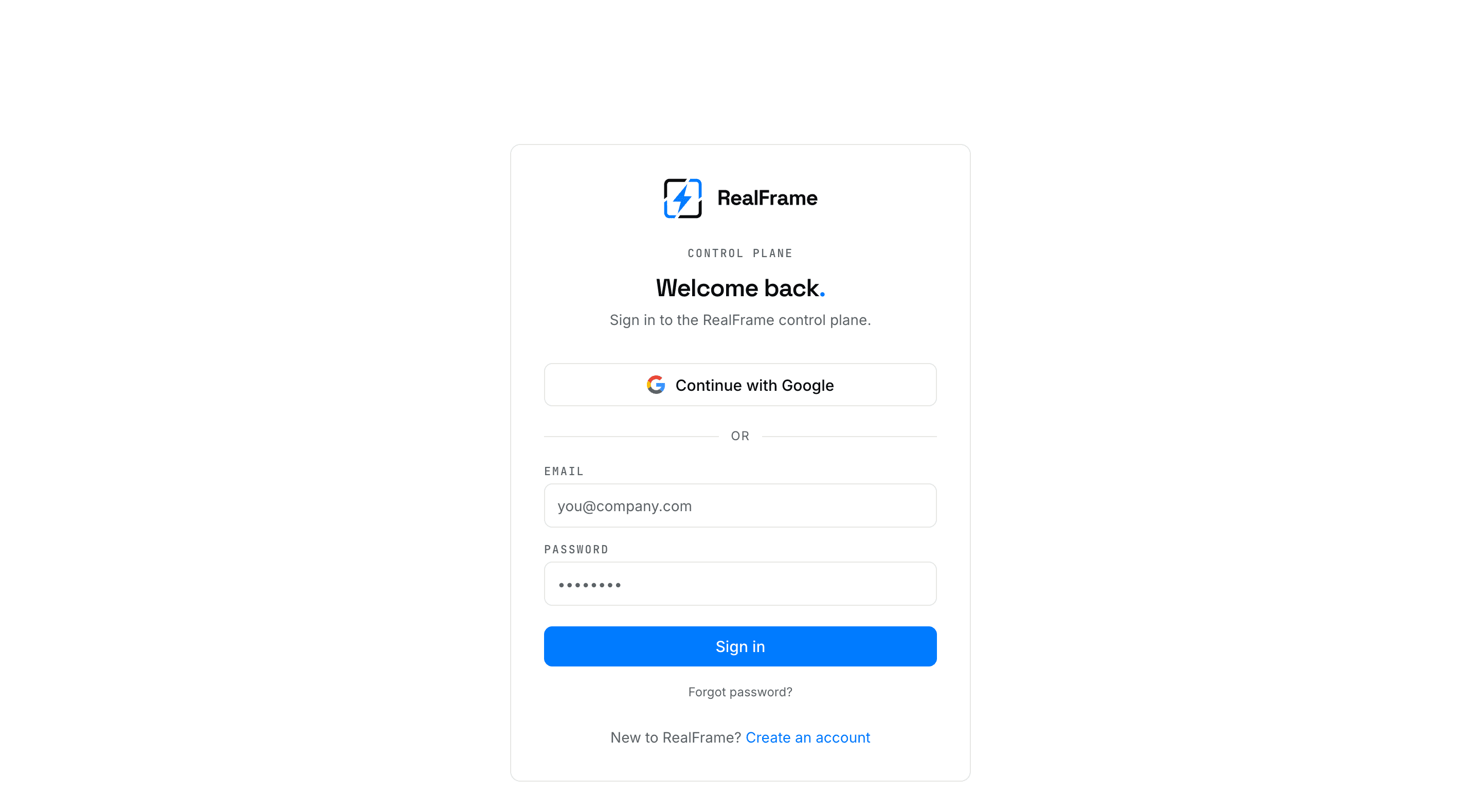
In the app. Type your email and password. This is what most people do.
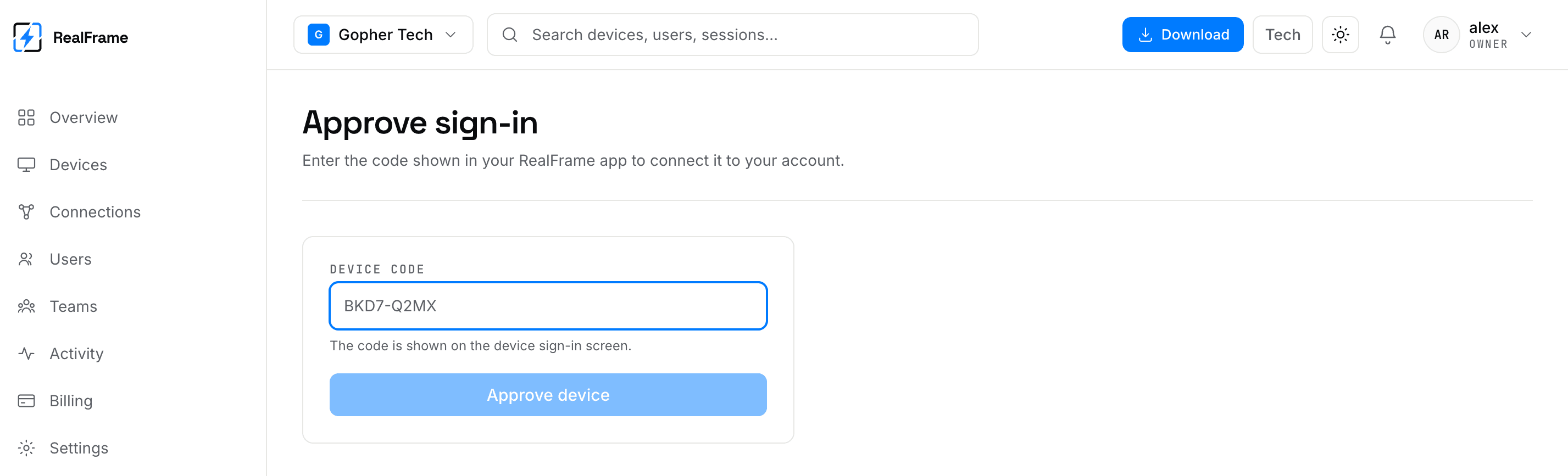
Through your browser. Choose Sign in with your browser. The app shows a short code. Approve that code in the dashboard.
Use the browser way on a shared computer, or when someone is looking over your shoulder.
What signing in gives that computer
A token of its own. It is kept in the system keychain, not in a text file. Your password is not stored there.
Tokens last a long time, so you sign in once per computer. To cut a computer off, remove it in Devices. That revokes it right away.
A computer with no screen to type on
Make the device in the dashboard first, then hand its claim code to the machine. Steps: Linux and Devices.
Lost a computer?
Remove it in Devices first. That revokes the machine even if someone knows your password. Then change the password.